
The transition to USB-C on the iPhone 15 and iPhone 16 promised a “one cable for everything” future. However, users attempting to plug their iPhone directly into a standard office printer using a USB-C to USB-B cable are discovering that the connection remains non-functional. Despite the hardware shift, iOS and iPadOS still lack the native generic USB printer drivers required to recognize a printer through a physical data port.
This limitation is not a hardware failure of the USB-C port, which supports high-speed data transfer and video output. Instead, it is a deliberate architectural choice within the operating system. While macOS includes the full Common Unix Printing System (CUPS) and a library of drivers, the version of CUPS integrated into iOS is a specialized, lightweight implementation. To keep the mobile operating system efficient, Apple removed support for legacy PostScript Printer Description (PPD) files and the “USB Print Class” driver, which are the software components that allow a device to communicate with a printer over a cable.
The AirPrint Hierarchy
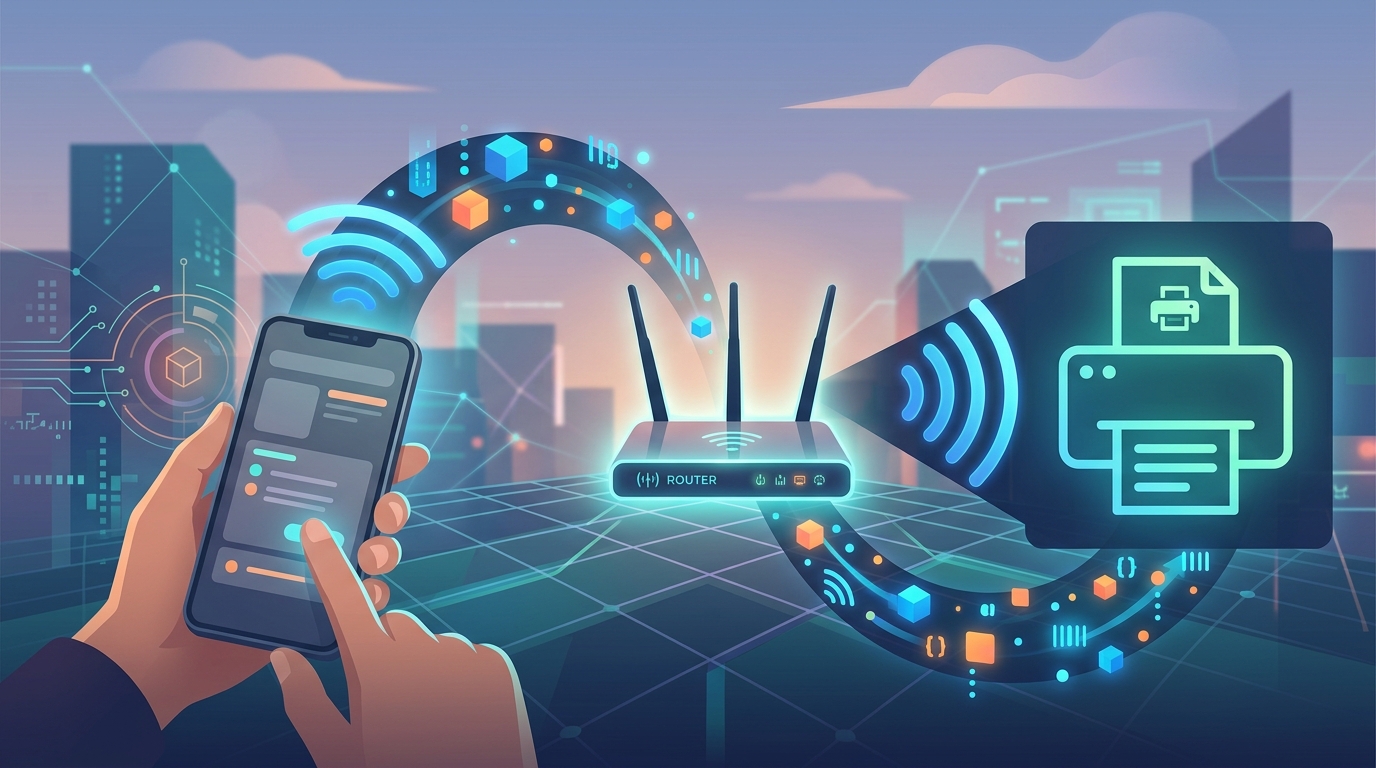
Apple’s solution for mobile printing is AirPrint, a wireless protocol designed to be driverless. AirPrint relies on mDNS (Multicast DNS), often referred to as Bonjour, to discover printers over a local Wi-Fi network. According to Apple Support, this standard removes the need for users to download or install specific drivers for different printer models.
The exclusion of wired USB printing drivers ensures that iOS devices remain “stateless” regarding peripherals; the phone does not need to store thousands of proprietary driver files for various InkJet or LaserJet models.
Wired Workarounds for iOS
While a direct printer-to-iPhone cable typically fails, there are specific scenarios where a wired connection can still facilitate printing. Because iOS supports the “Ethernet Class” driver, users can connect a USB-C to Ethernet adapter to their iPhone. If the adapter is then plugged into a network switch that houses an AirPrint-compatible printer, the iPhone will “see” the printer over the wired connection. This method provides a stable, wired alternative in environments with congested or restricted Wi-Fi.
For printers that do not support AirPrint at all, the software gap is often bridged by third-party applications. Apps like PrintCentral Pro or Printer Pro typically require a “helper” application installed on a separate Mac or PC. The computer acts as a print server, receiving the file from the iPhone over the network and then sending it to the printer via USB.
There are rare exceptions involving specialized hardware. Some portable label makers and photo printers are designed with dedicated iOS SDKs (Software Development Kits). These devices can communicate over USB because the specific driver logic is built into the individual app rather than the operating system itself. However, for the standard home or office printer, the USB-C port on the latest iPhones remains a data and charging port that cannot natively “speak” to a printing cable.
