
A popular browser extension named “Twitch Enhanced Viewer | JeetBot” has been found exposing the sensitive OAuth session tokens of approximately 31,000 users to third-party proxy servers. While the developer has released a patch for some versions of the software, security researchers warn that simply deleting the extension or updating to a newer version does not invalidate the credentials already captured in external server logs.
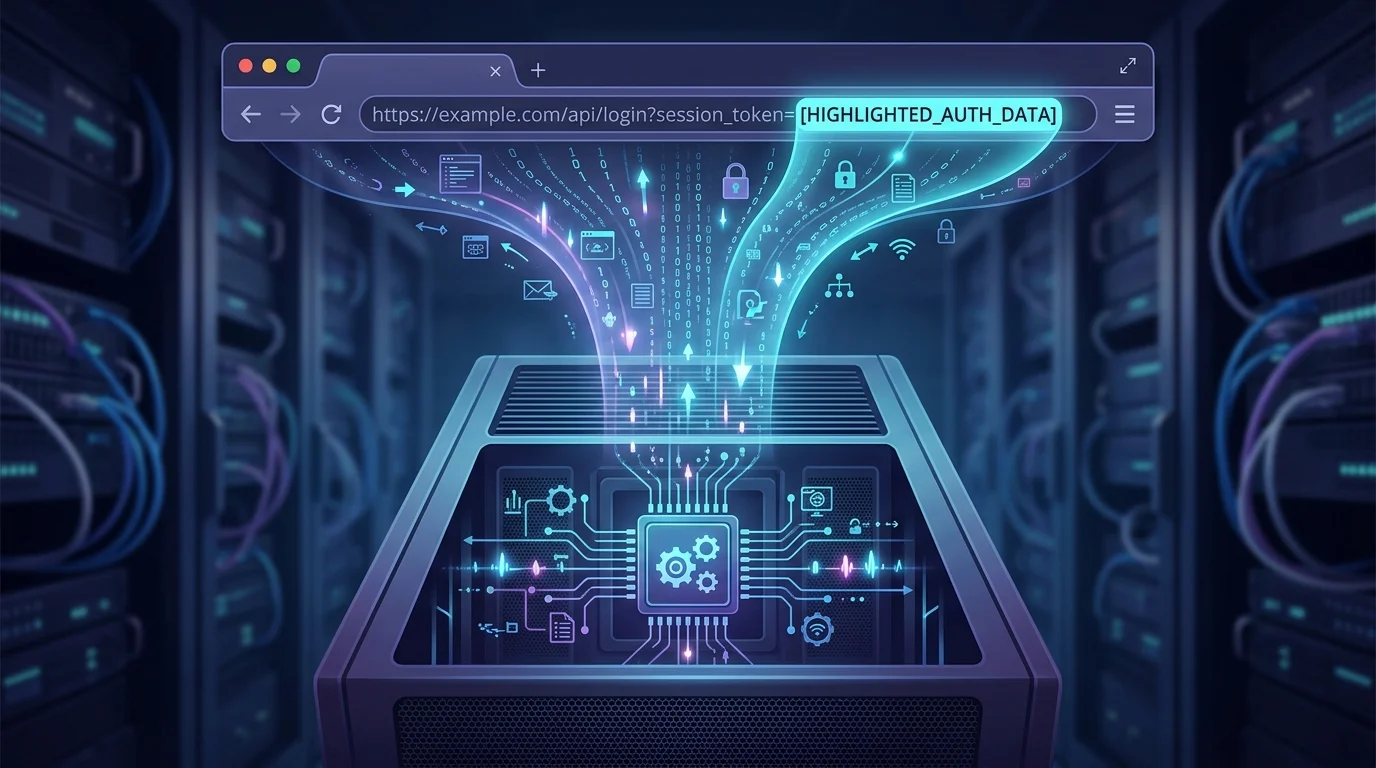
The extension, which is marketed as a tool for bypassing region locks and blocking advertisements, was discovered forwarding live session tokens as cleartext URL query parameters. According to a technical analysis by Socket.dev, these tokens were appended to requests using the &auth= parameter, making them visible to any infrastructure the traffic passed through, including the JeetBot proxy servers.
Security analysts indicate that these OAuth tokens act as a “digital key” to a user’s account. If intercepted, they can potentially allow unauthorized access to account settings, private whispers, chat functions, and the spending of channel points. Because the token represents an active session, this access can often bypass standard security measures like two-factor authentication (2FA) and password requirements.
The Remediation Gap
The developer of the extension, Aleksandr Popov, acknowledged the data transmission issue and released an update for the Firefox version (v85.8.7) on September 12 to stop the forwarding of tokens. However, the Chrome version remained under review at the time the vulnerability was publicized.
The primary danger for the estimated 30,000 Chrome users and 600 Firefox users is the “remediation gap.” Because the tokens were transmitted in cleartext, they are likely stored in the historical logs of the proxy servers used by the extension. Updating the extension prevents future tokens from being sent, but it does nothing to kill the session tokens that have already been leaked. Similarly, changing a Twitch password does not always automatically revoke all active OAuth sessions.
Researchers also noted a pattern of aggressive data collection in the extension’s history. Older versions (v4.x) from earlier years utilized even more direct methods, such as POSTing tokens to dedicated “set-token” endpoints. Analysis of the code also revealed a hardcoded “allowlist” of 10 Russian-language streamer channels. When a user watched these specific channels, the extension would intentionally stop forwarding tokens, suggesting a targeted exclusion for the operator’s own region or specific interests.
How to Secure Your Twitch Account
If you have used the “Twitch Enhanced Viewer | JeetBot” extension, you must manually revoke its access to ensure your account is no longer vulnerable. Removing the extension from your browser is a necessary first step, but it must be followed by these actions within Twitch:
- Log in to your Twitch account via a desktop browser.
- Navigate to Settings and click on the Connections tab.
- Scroll down to the Other Connections section.
- Locate any entries related to “JeetBot” or “Twitch Enhanced Viewer” and click Disconnect.
- For maximum security, consider clicking “Disconnect” on any unfamiliar third-party applications found in this list.
By disconnecting the application through the Twitch dashboard, you effectively “kill” the OAuth token, rendering any copies held in proxy logs useless. Users should remain vigilant for any unauthorized changes to their account settings or suspicious chat activity that may have occurred while the tokens were exposed.
