
Managing multiple iPhones in a single vehicle remains a common point of friction for families and multi-driver households. While Apple has significantly expanded its automotive integration, CarPlay is architected to allow only one active device at a time to control the primary interface, navigation, and Siri functions.
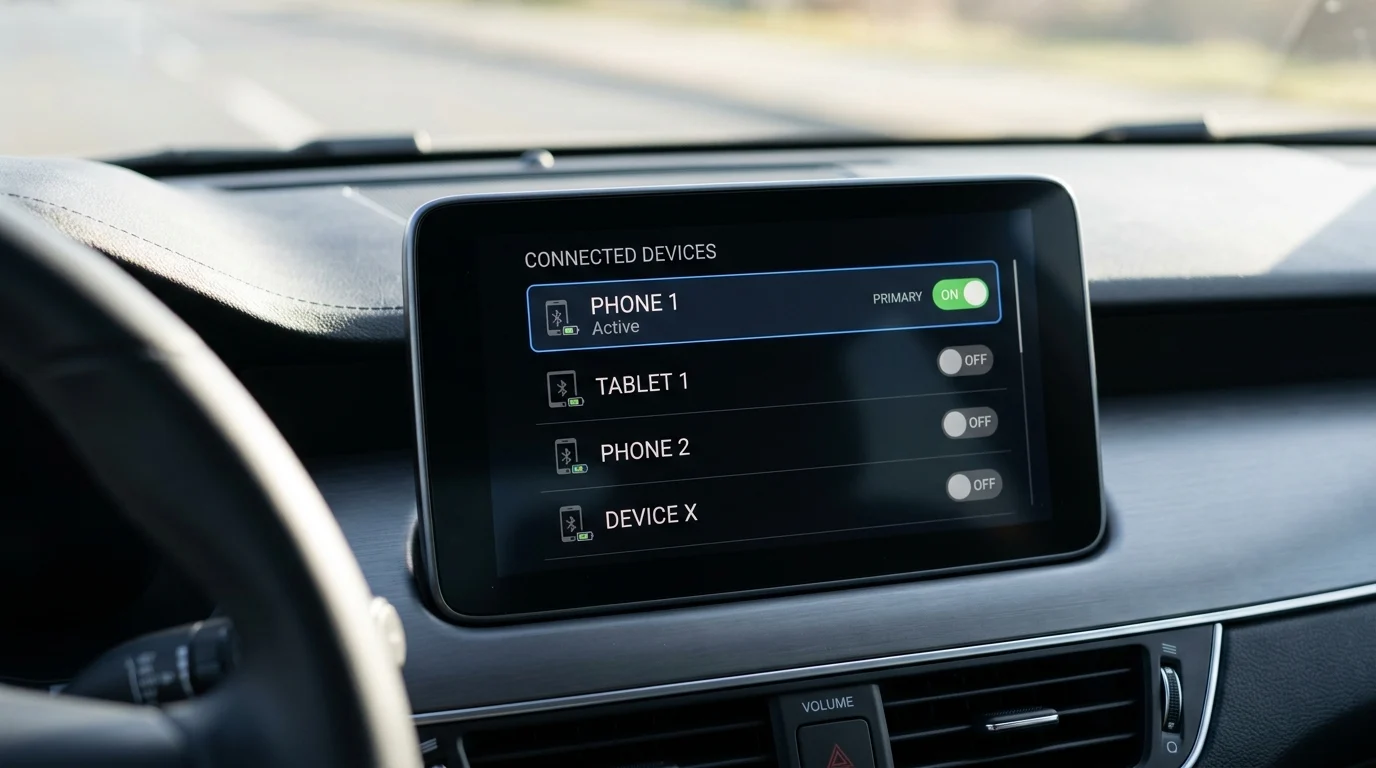
To switch between two paired phones, users must generally look outside the CarPlay interface. Because a phone cannot “disconnect itself” to make room for another from within the Apple UI, the handoff must be initiated through the vehicle’s native infotainment settings. Depending on the manufacturer, this is typically found in menus labeled “Phone,” “Devices,” or “Connection Manager.” Selecting a secondary device from this list will trigger the system to drop the current session and establish a new one with the target iPhone.
Establishing Connection Priorities
To prevent the car from automatically connecting to the “wrong” device when two paired users enter the vehicle simultaneously, many modern infotainment systems now include a “Preferred Device” setting. By designating a primary driver in the car’s Bluetooth or device management menu, the system will prioritize that specific iPhone whenever it is detected, only defaulting to the secondary device if the primary one is out of range or has its Bluetooth disabled.
Sharing Control via SharePlay
In many cases, the need to fully switch the primary CarPlay device can be avoided by using SharePlay. This feature, available on devices running iOS 17 or later, allows passengers to contribute to the driving experience without taking over the dashboard UI.
When the primary driver starts playing music, passengers with their own iPhones can join the session—often by scanning a QR code displayed on the CarPlay screen—to add songs to the queue, skip tracks, or control playback. This collaborative approach keeps the driver’s navigation and communication tools active on the main screen while giving others control over the audio environment.
The Expansion of CarPlay Ultra
The landscape of in-car smartphone integration is shifting as “next-generation” CarPlay, often referred to as CarPlay Ultra, moves into more mainstream vehicles. While initially limited to luxury manufacturers, this deep-level integration—which controls multiple screens including the instrument cluster and climate functions—began rolling out to brands including Hyundai, Kia, and Genesis in mid-2026.
These advanced systems are designed to handle complex data streams from the vehicle, though the fundamental rule of “one host device” remains for the core interface. As these systems become more prevalent, the ability to manage device handoffs directly through more intuitive vehicle software interfaces is expected to become standard across the industry.
