
Apple’s public release of iOS 27 on September 14, 2026, introduced a significant interface update for the Messages app: the ability to hide or replace the audio recording button. The change addresses a long-standing user complaint regarding the button’s placement, which often led to accidental voice recordings when users intended to tap the “send” icon.
The update follows high-profile criticism of the interface, including public comments from pop star Justin Bieber, who criticized the dual-functionality of the button’s proximity to other controls. With the latest software, Apple has moved away from its traditionally fixed UI philosophy to allow users to reclaim that space in the text entry field.
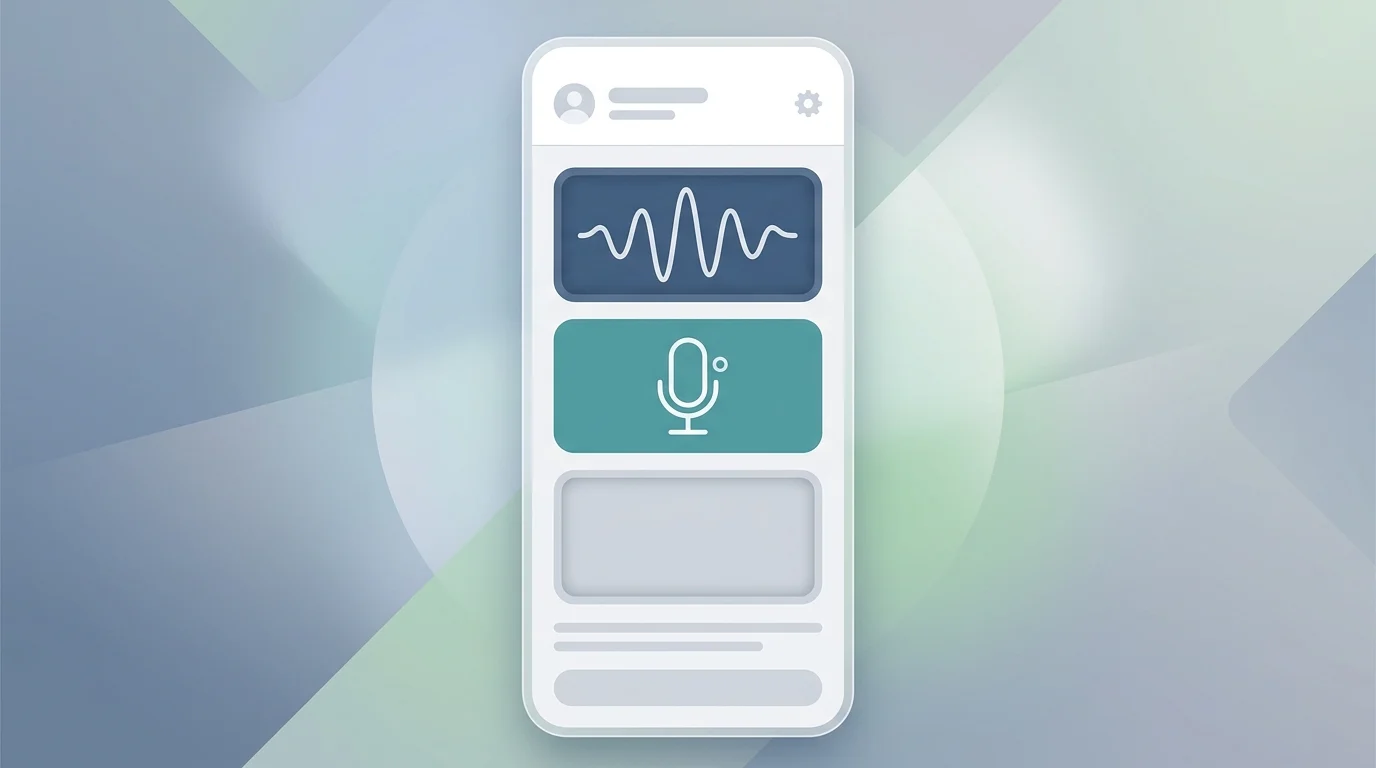
How to Customize the iMessage Audio Button
The setting to modify the text field shortcut is located within the redesigned app settings menu. Users with an iPhone 11 or newer can follow these steps to adjust the interface:
1. Open the Settings app.
2. Navigate to Apps and select Messages.
3. Tap on Show in Text Field.
Within this menu, iOS 27 and iPadOS 27 provide three specific configurations for the right side of the iMessage text box.
Users can retain the default Record Audio icon, which keeps the waveform shortcut active. Alternatively, selecting Start Dictation replaces the audio recorder with a dictation trigger, providing a secondary way to use voice-to-text alongside the standard keyboard microphone. Choosing None removes the icon entirely, resulting in a cleaner text field with no shortcut on the right side.
While choosing “None” hides the shortcut, it does not disable audio messaging functionality. Users can still send voice clips by tapping the “+” button located to the left of the text field and selecting “Audio” from the list of iMessage apps. This relocation ensures the feature remains accessible while preventing the accidental “ghost” recordings that occur when the button is triggered unintentionally during fast typing.
The customization is available immediately for all devices compatible with the new operating system, which includes the iPhone 11 and all subsequent models. The same settings path applies to iPadOS 27 for users looking to streamline their messaging interface on tablets.
